MAKER · JAVA
Make a biome with its own mood
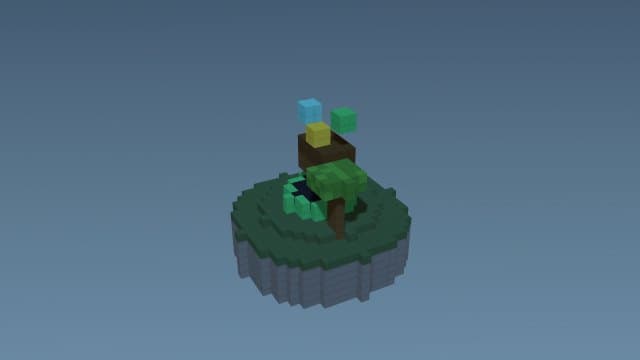
Describe a landscape — a glowing mushroom grove, a crimson desert, a frozen tundra — and the engine writes a valid custom biome: its own grass and water colors, climate, and fog. It slots into worldgen as pure datapack data.
Try it right here
Free, no account — one mod a day, and a refusal never costs you one.
Actual generated output
1 custom biome; a custom dimension
- Format
- Java datapack
- Edition
- Minecraft Java
- Download
- glowing-mushroom-biome.zip
- Version context
- Generated target: 26.3
Included files (6)
README.txt
data/glowing_mushroom_biome/dimension/glowing_mushroom_biome.json
data/glowing_mushroom_biome/dimension_type/glowing_mushroom_biome.json
data/glowing_mushroom_biome/worldgen/biome/glowing_mushroom_biome_biome.json
pack.mcmeta
pack.png
Installation and verification
- Back up your Java world and confirm the target Minecraft version in pack.mcmeta and README.
- Place the zip in that world's datapacks folder. pack.mcmeta must be at the zip root.
- Run /reload and /datapack list enabled with permission to use commands. Follow the pack's README for its start function and gameplay controls.
This file inventory is produced from the example prompt by the repository generator. Structural checks do not prove every gameplay interaction, performance level, device or future Minecraft version. Generated assets can conflict with other packs.
How pack validation worksHow it works
- 1Describe it: "a glowing mushroom biome" — colors, climate and fog follow the mood.
- 2Install the datapack in your world's datapacks folder.
- 3Generate new chunks (or a new world) to see it appear.
Questions people ask
Why don't I see it in my current area?
Biomes appear in newly-generated chunks. Explore outward or start a fresh world to find it.
Can I put it in its own dimension?
Yes — the dimension maker builds a realm with a custom biome baked in.
Is the biome data valid?
Always — it's generated from validated templates with the correct format for your version.
Capabilities and limitations
Choose the correct edition and version before generating. Java datapacks use commands and data files rather than arbitrary Java code. Some item/mob features need a Bedrock add-on or Fabric project; inspect the actual output format instead of assuming editions are interchangeable.
Generated files pass structural checks, and representative packs have automated runtime tests. Test your particular creation in a copy of the world. Read the validation methodology.