MAKER · JAVA
Make a dimension all your own
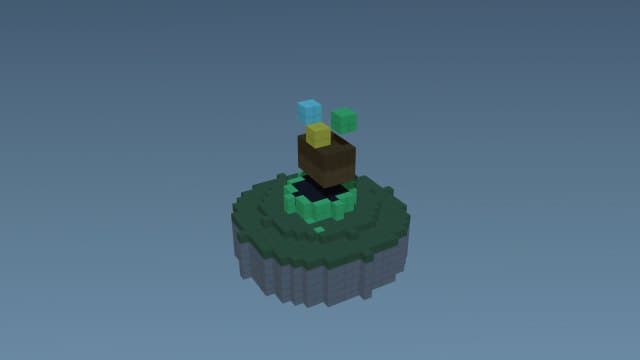
Describe a realm — a frozen crystal world, a glowing void, a scorched wasteland — and the engine builds a real Java dimension with its own biome and terrain. Teleport straight in; it's pure datapack data, so it always loads.
Try it right here
Free, no account — one mod a day, and a refusal never costs you one.
Actual generated output
1 custom biome; a custom dimension
- Format
- Java datapack
- Edition
- Minecraft Java
- Download
- frozen-crystal-dimension.zip
- Version context
- Generated target: 26.3
Included files (6)
README.txt
data/frozen_crystal_dimension/dimension/frozen_crystal_dimension.json
data/frozen_crystal_dimension/dimension_type/frozen_crystal_dimension.json
data/frozen_crystal_dimension/worldgen/biome/frozen_crystal_dimension_biome.json
pack.mcmeta
pack.png
Installation and verification
- Back up your Java world and confirm the target Minecraft version in pack.mcmeta and README.
- Place the zip in that world's datapacks folder. pack.mcmeta must be at the zip root.
- Run /reload and /datapack list enabled with permission to use commands. Follow the pack's README for its start function and gameplay controls.
This file inventory is produced from the example prompt by the repository generator. Structural checks do not prove every gameplay interaction, performance level, device or future Minecraft version. Generated assets can conflict with other packs.
How pack validation worksHow it works
- 1Describe it: "a frozen crystal dimension" — the mood shapes the biome and terrain.
- 2Install the datapack in your world's datapacks folder and /reload.
- 3Teleport in with the command from the README (/execute in <ns>:<id> run tp @s ~ ~ ~).
Questions people ask
Do I need to build a portal?
No — you teleport in with a command (in the pack's README). The dimension exists as soon as the pack loads.
Will it load on my version?
Yes — generate with your Minecraft version selected and the datapack format is set correctly for it.
Can I add a matching biome?
The dimension ships with its own biome; for extra standalone biomes use the biome maker.
Capabilities and limitations
Choose the correct edition and version before generating. Java datapacks use commands and data files rather than arbitrary Java code. Some item/mob features need a Bedrock add-on or Fabric project; inspect the actual output format instead of assuming editions are interchangeable.
Generated files pass structural checks, and representative packs have automated runtime tests. Test your particular creation in a copy of the world. Read the validation methodology.